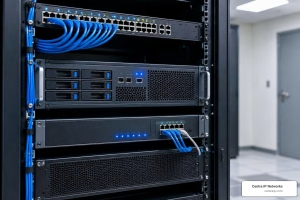
Why On-Premise PBX Systems Still Matter in 2026
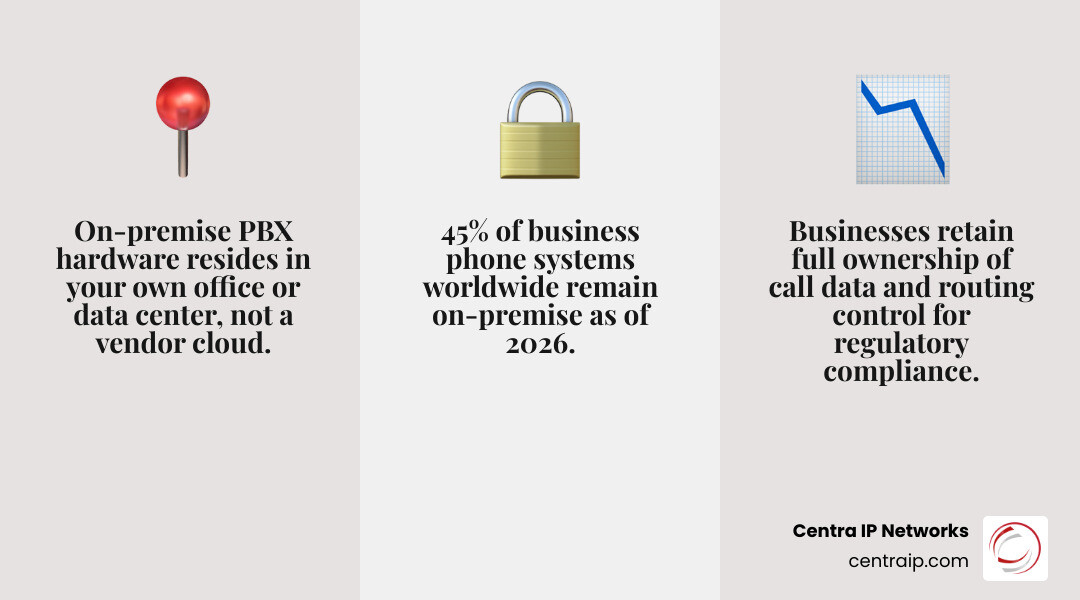
On-premise PBX systems are private telephone switching networks installed and operated at your own business location — not in a vendor’s cloud. They manage all internal and external calls using hardware you own and control.
Quick answer: What is an on-premise PBX system?
| Feature | On-Premise PBX |
|---|---|
| Where it lives | Your office, server room, or local data center |
| Who owns the hardware | Your business |
| Call routing | Through your local server via SIP trunks, PSTN, or ISDN |
| Internet required? | No — works during outages via traditional lines |
| Best for | Compliance-heavy industries, large seat counts, legacy infrastructure |
| Cost model | Higher upfront (CapEx), lower ongoing monthly fees |
Despite the rise of cloud communications, the numbers tell a clear story. As of 2026, roughly 45% of installed business phone systems worldwide are still on-premises, and on-premise hardware accounts for 40% of all new unified communications shipments globally. In fact, more companies selected a new on-premise PBX last year than chose a UCaaS subscription service.
That is not a dying market. That is a deliberate choice.
Businesses in healthcare, government, finance, and education are making that choice every day — because control, compliance, and reliability matter more to them than convenience. When your WAN goes down, when a regulator asks where your call data lives, or when you are running 500+ desk phones across a campus, an on-premise system often wins.
I’m Patrick Brangan, and with over 20 years of experience designing and deploying on-premise PBX systems for SMBs across Dallas, Tampa, and Orlando, I’ve helped hundreds of businesses cut through the noise and find the right communication infrastructure. At Centra IP Networks, we handle the full stack — so you don’t have to manage a dozen vendors to keep your phones running.
On premise pbx systems vocab to learn:
Understanding On Premise PBX Systems in 2026
In 2026, the definition of an on premise pbx system has evolved. It is no longer just a “box on the wall” with a tangle of copper wires. Modern systems are sophisticated IP-PBX appliances or software instances running on local servers.
When we talk about hardware ownership, we mean you own the “brain” of the system. This appliance sits in your climate-controlled server room in Fort Worth or your data closet in Sarasota. Because the system is local, call routing happens within your four walls. This is a massive advantage for businesses that need to ensure their data never leaves their physical jurisdiction.
Local Server Hosting and IP-PBX Technology
Modern on premise pbx systems use Internet Protocol (IP) to route calls, but they don’t necessarily need the public internet to function. You can connect them to the outside world via traditional PSTN (Public Switched Telephone Network) lines, PRI circuits, or modern SIP trunks.
For many of our clients, Choosing Between On-Premise Phone Systems and Cloud comes down to infrastructure. If you are in a historic building in Clearwater or St. Petersburg, you might have high-quality internal wiring but spotty fiber-optic availability. An on-premise system allows you to leverage that internal wiring without being at the mercy of a fluctuating internet connection.

How On Premise PBX Systems Differ from Cloud
The most common question we get in our Dallas and Tampa offices is: “Isn’t the cloud just easier?” While cloud is convenient, the differences are foundational:
- Financial Model (CapEx vs. OpEx): On-premise is a capital expenditure. You buy the gear upfront. Cloud is an operating expense—a monthly subscription that never ends.
- Management Control: With an on-premise setup, we (or your IT team) have total control over when updates happen. No more “forced” updates on a Monday morning that break your CRM integration.
- Latency Reduction: Because the server is on-site, there is near-zero latency. In high-volume environments like contact centers, those milliseconds matter for voice quality.
- Internet Independence: If the local ISP has a bad day, a cloud system is a paperweight. An on-premise system can failover to traditional phone lines (POTS) or cellular gateways, keeping your business reachable.
As we discussed in our guide on Premise Based Phone System or Cloud System, the “best” choice depends on your specific tolerance for downtime and your long-term budget.
The Evolution of Connectivity: SIP Trunking and PRI
One of the biggest shifts we’ve seen by May 2026 is the near-total dominance of SIP (Session Initiation Protocol) over PRI (Primary Rate Interface). Back in the day, PRI was the gold standard for on premise pbx systems. Today, PRI usage has declined to under 20% of installs.
However, many businesses in Orlando still rely on legacy integration. Whether it’s an old elevator phone, a security gate, or a specialized fax machine, Business Phone Systems & VoIP Built for Orlando often require a hybrid approach. We frequently deploy “Hybrid” models that use SIP for the bulk of the calling but keep a few analog ports for those critical legacy devices.
Strategic Benefits and Drawbacks for Mid-Sized Business
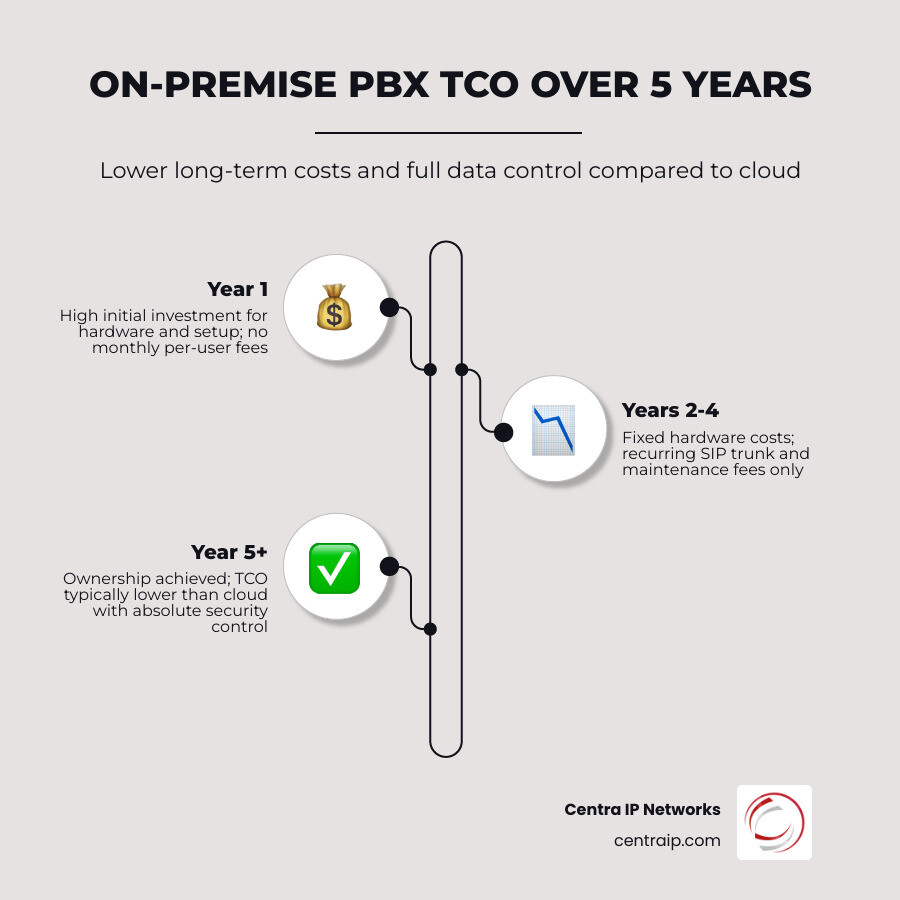
Deciding on a phone system is a high-stakes game. For a mid-sized business with 50 to 500 employees, the total cost of ownership (TCO) over five to ten years is usually lower with an on premise pbx system.
| Factor | On-Premise Advantage | Cloud Advantage |
|---|---|---|
| Initial Investment | High (Hardware + Setup) | Low (Plug-and-Play) |
| Long-term TCO | Lower (No monthly per-user fees) | Higher (Compounding fees) |
| Security Control | Absolute (In-house) | Third-party dependent |
| Scalability | Fixed by hardware capacity | Virtually unlimited |
| IT Staffing | Requires specialized knowledge | Managed by provider |
If you have a stable headcount, the per-user fees of cloud systems can start to feel like a “phone tax.” With an on-premise system, once the hardware is paid for, your only recurring costs are your SIP trunks and a maintenance agreement. You can find more details on this in our Ultimate Guide to Choosing.
Security, Compliance, and Data Sovereignty
This is where on premise pbx systems truly shine. In 2026, data privacy is non-negotiable. For healthcare providers in Tampa or law firms in Dallas, keeping call recordings and metadata on a local server is a major compliance win.
- HIPAA and GDPR: It is much easier to audit security when the data is sitting in your own rack.
- Kari’s Law: Modern on-premise systems come pre-configured for Kari’s Law, ensuring that anyone can dial 911 without a prefix (like “9”) and that the front desk is immediately notified.
- Physical Security: You aren’t just trusting a data center in a different state; you are trusting your own locked server room.
As noted by industry experts at VitalPBX, the cost of a data breach or a compliance fine far outweighs the upfront cost of a secure on-site system.
Maintenance Requirements and Scalability Limits
We have to be honest: on-premise systems require more “love” than cloud ones. You need a plan for:
- Firmware Updates: These must be scheduled and tested.
- Hardware Redundancy: We often recommend “Hot Standby” servers. If the main PBX fails, the second one kicks in instantly.
- Environmental Needs: Your server room needs proper cooling and a UPS (Uninterruptible Power Supply).
When it comes to scaling, you are limited by the physical ports or the CPU of your appliance. If you suddenly hire 200 people, you might need an expansion module or a hardware refresh. This is a key point we cover in Which is the Right Office Phone System for Business.
Top On-Premise PBX Solutions for 2026
The market has consolidated, but the remaining players are stronger than ever. If you are looking for the best on-premise PBX phone systems, here are the top contenders we see in the field today.
1. 3CX Enterprise
With over 350,000 businesses globally trusting 3CX, it is a powerhouse. It can run on Windows or Linux, making it incredibly flexible. It’s known for its “flat-fee” pricing model—you pay based on concurrent calls, not per user. For a large office in Fort Worth, this can save thousands.
2. Yeastar P-Series (Appliance & Software)
Yeastar has mastered the “Easy-First” approach. Their P-Series appliances (P550, P560, P570) are modular. You can add FXS, FXO, or GSM modules as needed. Their P570 model can handle up to 500 users and 120 concurrent calls, making it a beast for mid-sized enterprises.
3. Sangoma PBXact
Built on the foundation of FreePBX, PBXact is the commercial-grade version that offers a “hardened” environment. It’s a favorite for businesses that want the power of open-source with the security of a supported, proprietary hardware line.
4. Grandstream UCM Series
If you are looking for the best “bang for your buck,” Grandstream is it. Their UCM6300 series is a “no-license-fee” model. You buy the box, and you get all the features—call queueing, IVR, and even video conferencing—without recurring software costs.
5. Zultys MX
Zultys is often the go-to for high-end unified communications. It is an “all-in-one” appliance that handles voice, data, and even faxing in a single energy-efficient rack unit.
6. FortiVoice
For those already in the Fortinet ecosystem, FortiVoice offers seamless integration with FortiGate firewalls, adding an extra layer of network-level security to your voice traffic.
Advanced Features in Modern On Premise PBX Systems
Don’t let the “on-premise” label fool you; these aren’t your grandfather’s phones. By 2026, advanced features are standard:
- AI Analytics: Modern systems can transcribe calls in real-time and provide “sentiment analysis” to help managers identify frustrated customers.
- Unified Communications (UC): Your desk phone, mobile app, and laptop all ring simultaneously.
- CRM Integration: When a client calls, their HubSpot or Salesforce record pops up on your screen. This is a game-changer for different types of business phone systems.
Industry-Specific Use Cases for On-Site Hardware
Certain industries simply can’t use the cloud effectively.
- Hospitality: Hotels in Orlando need “Hospitality Modules” for check-in/check-out, wake-up calls, and room status. On-premise systems like the NEC SL2100 (which still has a massive installed base) or Yeastar are perfect for this.
- Healthcare: Clinics in Tampa need 100% reliability. If the fiber line is cut, the on-premise PBX keeps the internal intercoms and local PSTN lines working.
- Education: Large school campuses need to bridge multiple buildings. A centralized on-premise system with fiber links is often more robust than a cloud setup. For more on this, check out our page on Premise Based Phone Systems.
Implementation, Costs, and Remote Support
Implementing an on premise pbx system is a project, not just a purchase. At Centra IP Networks, we start with a wiring audit. We check if your existing Cat5e or Cat6 cabling can support Power over Ethernet (PoE). If you are moving from an old analog system, we might even find ways to reuse existing digital sets with a hybrid gateway.
The Cost Breakdown
You should expect to pay for:
- Hardware: The PBX appliance and the desk phones.
- Licensing: Some brands (like 3CX or Yeastar) have annual fees for “Pro” or “Enterprise” features.
- Installation: Professional configuration of call flows, IVRs, and security.
- SIP Trunks: Your “dial tone” service.
While the upfront cost is higher, the “break-even” point compared to cloud systems is usually around the 24-to-30-month mark. After that, your monthly bill drops significantly.
Supporting Remote Workers in a Premise-Based Environment
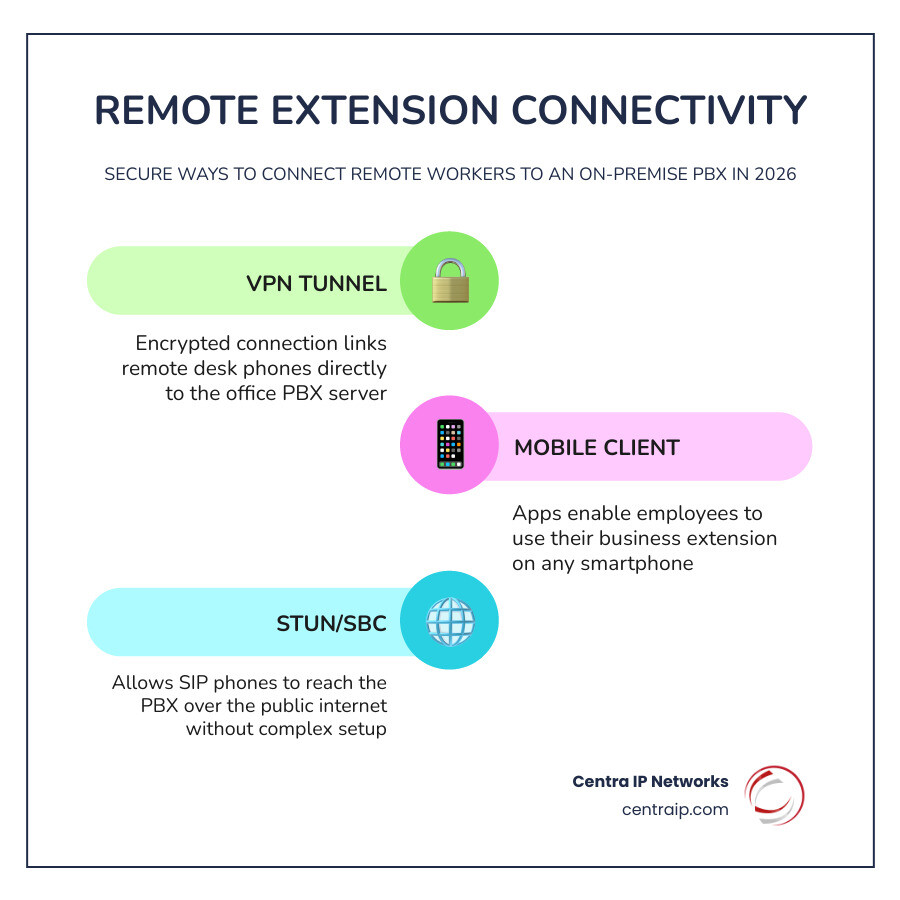
A common myth is that on-premise systems don’t support remote work. That’s false. In 2026, we use several methods to keep your “road warriors” connected:
- VPN Tunnels: Securely connecting a remote desk phone to the office server.
- Mobile Clients: Apps like Yeastar’s Linkus or 3CX’s mobile app allow employees to take their extension anywhere.
- STUN/SBC: Technology that allows phones to talk to the PBX over the public internet without a complex VPN.
Frequently Asked Questions about On-Premise PBX
When is on-premise better than cloud in 2026?
On-premise wins when you have more than 50-75 users (the TCO is better), when you have strict regulatory requirements (HIPAA/CJIS), or when your local internet infrastructure is unreliable. It’s also the better choice if you want to reuse existing high-quality digital phones or complex paging systems.
Can I use existing analog phone wiring with a new IP system?
Yes, but you’ll need a “Gateway.” We can use FXS gateways to connect your old analog wires to the new IP-PBX. However, for the best experience, we usually recommend upgrading to Cat6 and IP phones to take advantage of HD voice and advanced screen features.
What happened to NEC on-premise phone systems?
In a major industry shift, NEC announced it would exit the on-premise business phone market outside of Japan. New sales of systems like the SL2100 stopped in 2025. If you currently have an NEC system, don’t panic—Centra IP Networks still provides support and parts—but 2026 is the year most businesses should start planning their migration to a platform like 3CX or Yeastar.
Conclusion
The “Cloud vs. On-Premise” debate isn’t about which technology is “newer”—it’s about which one is right for your business’s DNA. For many organizations in Dallas, Fort Worth, and across Florida, on premise pbx systems remain the grounded, reliable choice that offers the lowest long-term cost and the highest level of security.
At Centra IP Networks, we don’t believe in one-size-fits-all. We leverage our partnerships with over 35 providers to build the system that fits you. Whether you need the absolute control of an on-site server or you’re ready to explore Cloud-Based Phone Systems, we provide a single point of contact and a single bill.
Ready to take control of your communications? Let’s talk about your infrastructure. We’ll help you decide if staying “grounded” with an on-premise system is the strategic move your business needs for the next decade.