Is a Residential VoIP Service Right for Your Home in 2026?
Switching to a residential VoIP service is one of the fastest ways to cut your monthly phone bill — often by 60% or more — while getting features your old landline never offered.
Here are the top options to compare right now:
| Provider | Starting Price | Best For | 911 Support |
|---|---|---|---|
| Ooma Telo | ~$0/mo + taxes | Seniors, families | Yes |
| Voiply | $7.46–$8.95/mo | Budget-focused homes | Yes |
| 1-VoIP | $8.97/mo | Feature-rich home use | Yes |
| VOIPo | ~$6.21/mo (2-yr plan) | Long-term savings | Yes |
| Google Voice | Free | Backup or light use | No |
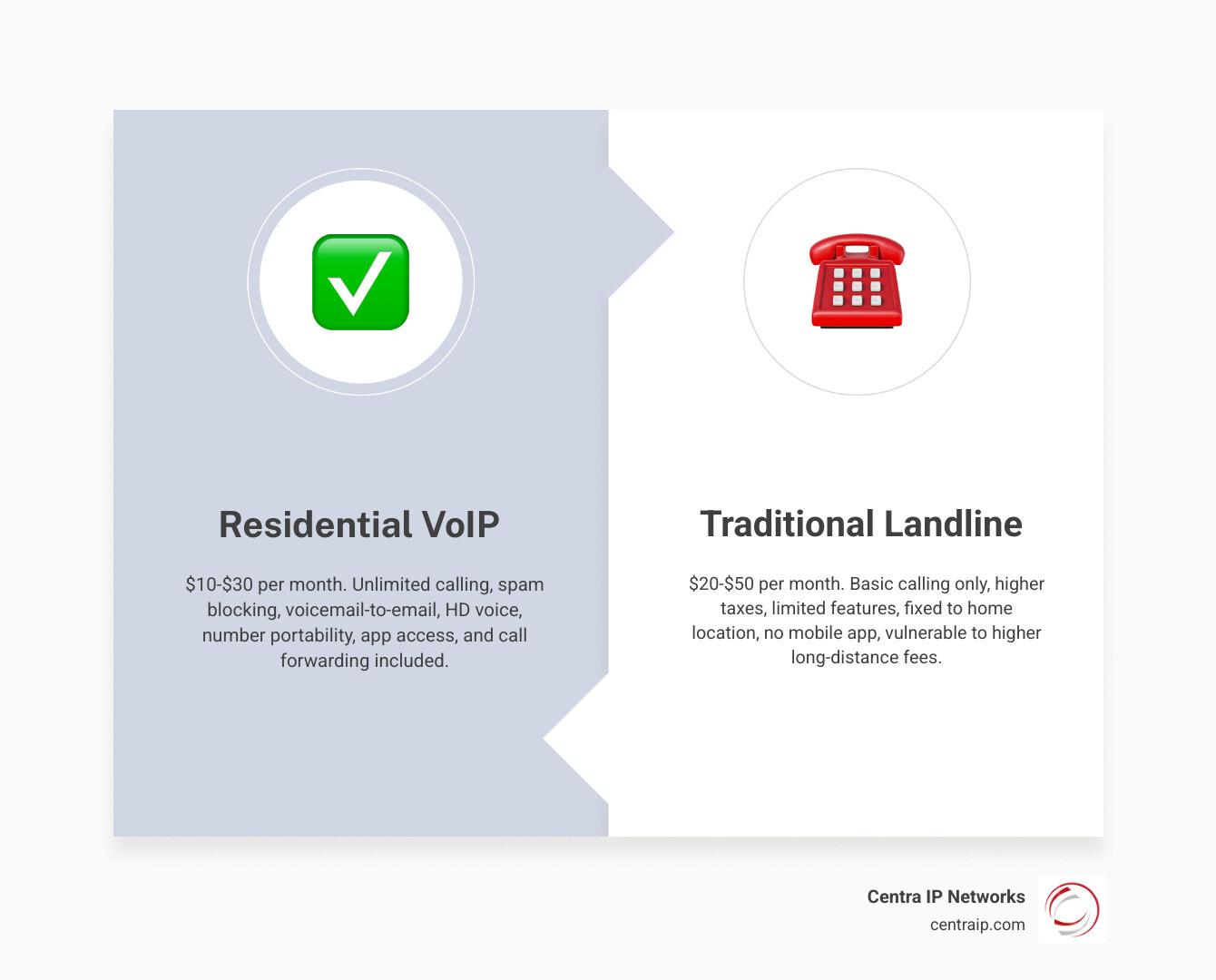
What is residential VoIP? It’s a home phone service that routes your calls over the internet instead of copper telephone wires. You keep your existing phones, keep your number, and pay a fraction of what a traditional landline costs — typically $10–$30 per month versus $20–$50 or more for a landline.
The technology has matured significantly. As of May 2026, most households can get HD call quality, built-in spam blocking, voicemail-to-email, and reliable E911 — all without signing a contract.
I’m Patrick Brangan, and over my 20+ years in business technology — specializing in unified communications for small and mid-sized businesses — I’ve helped hundreds of clients evaluate and deploy residential VoIP service and business-grade phone systems across the Dallas, Tampa, and Orlando markets. In this guide, I’ll walk you through exactly what to look for so you can make a confident, informed decision.
What Is Residential VoIP Service and How Does It Work?
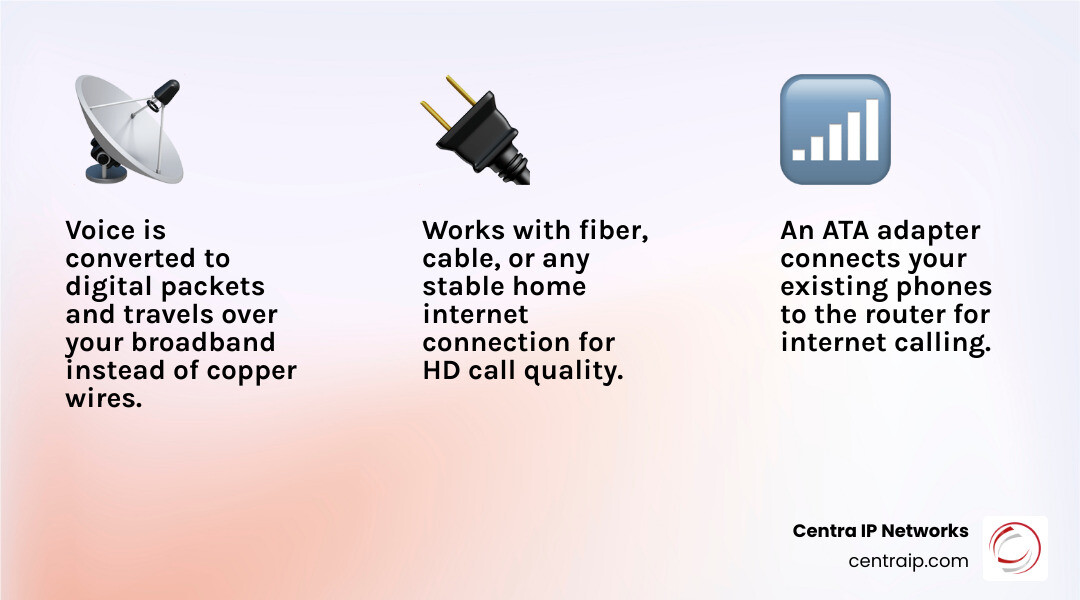
Residential VoIP stands for Voice over Internet Protocol for home use. In plain English, it means your voice is converted into digital data, sent through your internet connection, and turned back into audio on the other end.
Instead of relying on the old public switched telephone network and copper wiring, VoIP uses your broadband connection. That could be fiber, cable internet, or another stable home internet service.
A typical home setup works like this:
- You speak into a regular phone, cordless handset, IP phone, or mobile app.
- The VoIP device or app converts your voice into data packets.
- Those packets travel over your internet connection to your provider.
- The provider routes the call to another VoIP user, a cell phone, or a traditional phone number.
For most households, the easiest option is an ATA, or analog telephone adapter. This little box connects your regular home phone to your router so it behaves like a modern landline replacement.
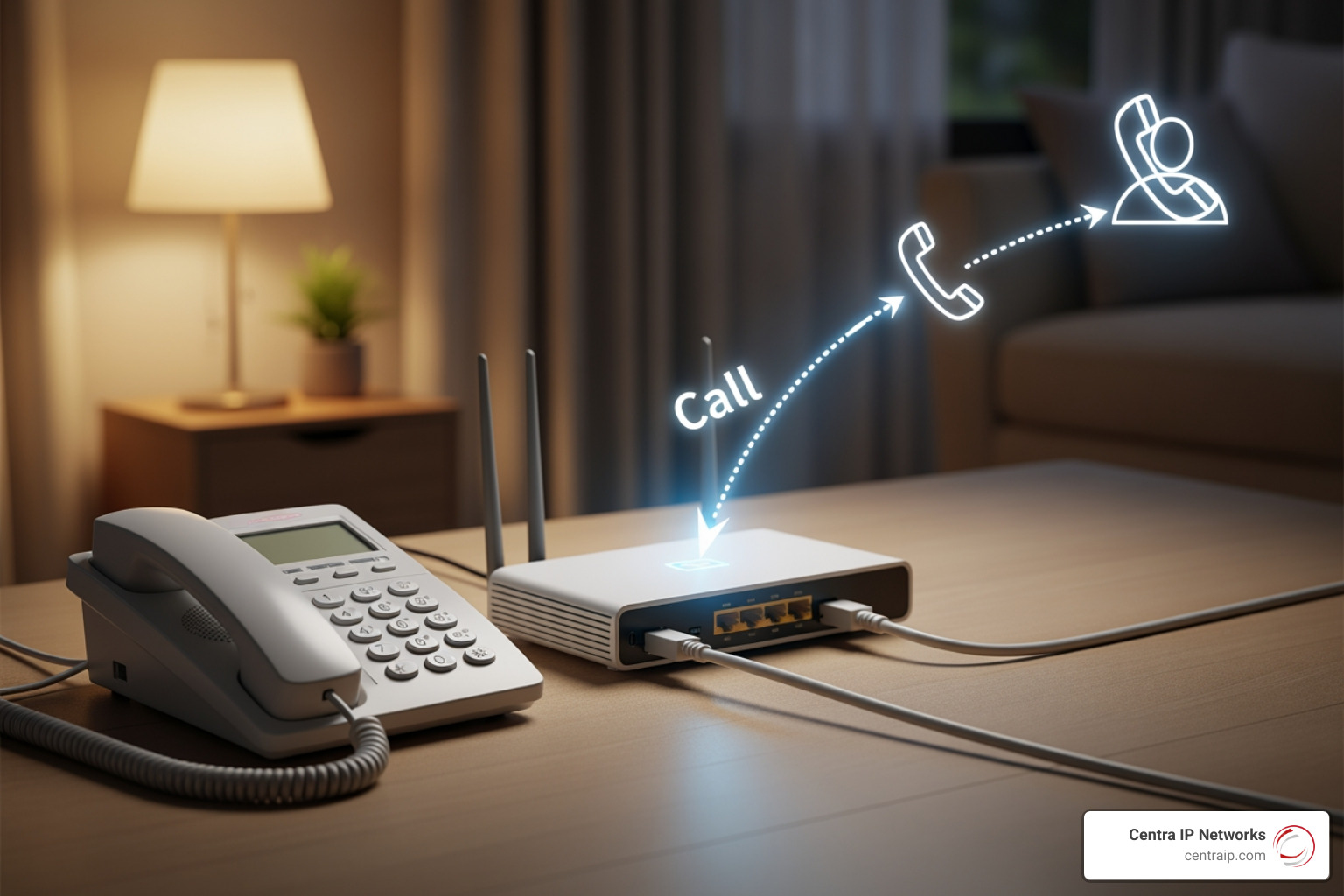
How residential voip service differs from a traditional landline
A traditional landline uses dedicated copper phone lines. A residential VoIP service uses your internet connection instead.
That creates a few major differences:
- Landlines are tied to a physical line and address.
- VoIP can be tied to your home, an app, or both.
- Landlines usually offer fewer built-in features.
- VoIP often includes HD voice, spam blocking, voicemail-to-email, call forwarding, and mobile access.
- Landlines usually keep working in a local power outage if the copper network is still powered.
- VoIP depends on both internet and electricity unless you add backup power or failover.
VoIP also gives you more geographic flexibility. You can often keep the same number even if you move within Texas or Florida, and in some cases even when moving farther, depending on the provider and rate center rules.
If you want a deeper comparison of voice technologies, see our guide to VoIP vs. landline differences.
The basic equipment you need for residential voip service
For a standard home installation, you usually need:
- A reliable internet connection
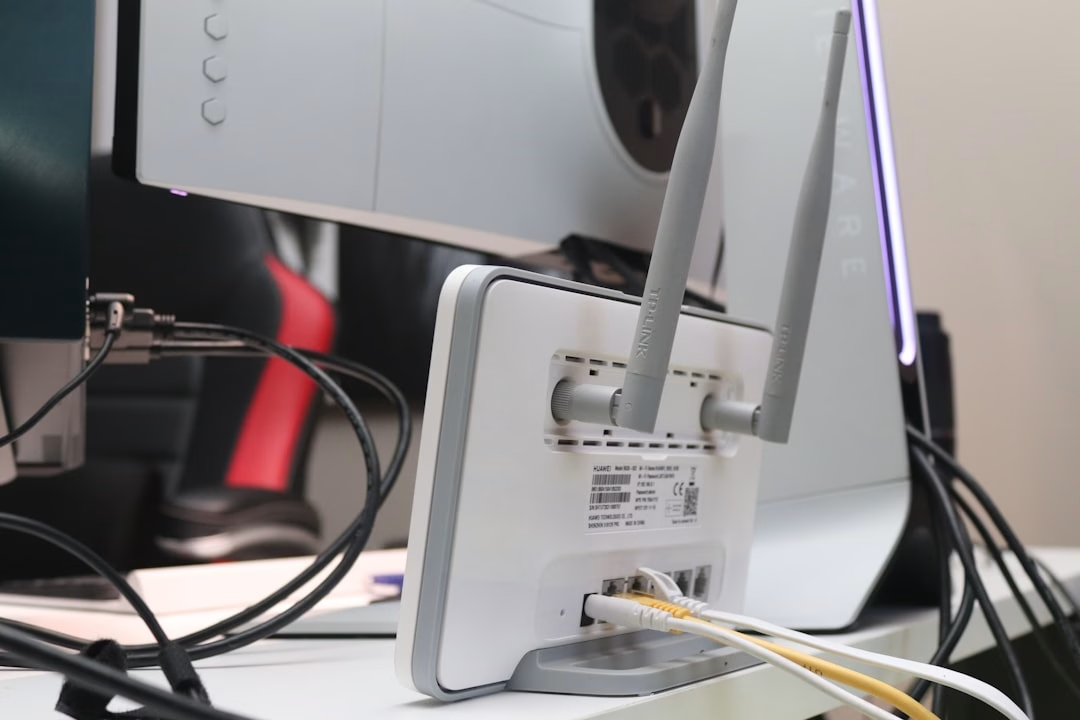
- A modem and router
- An ATA adapter or provider-specific home phone device
- Your existing corded or cordless phones
- An Ethernet cable for the most stable connection
- Optional battery backup for your modem, router, and VoIP adapter
You do not always need special phones. Many providers are designed specifically so you can keep using the cordless phones already sitting on your kitchen counter.
If your home has existing phone wiring, you may also be able to feed dial tone from the adapter into your house jacks. That can make all your extensions ring again, but only after the outside phone company line is safely disconnected.
Residential VoIP Service Pros, Cons, and Real Costs
VoIP is often cheaper than a landline, but “cheap” does not always mean “simple.” The right comparison is total cost, not just the headline monthly rate.
Some plans advertise very low base pricing, but you still need to factor in:
- Taxes and regulatory fees
- 911 service fees
- Equipment purchase or rental
- Activation fees
- Number porting fees if not included
- International calling costs
- Optional premium plans
- Battery backup or LTE backup
Here is the big-picture comparison.
| Option | Typical Monthly Cost in 2026 | Main Strength | Main Weakness |
|---|---|---|---|
| Residential VoIP | $10-$30 total for many homes | Low cost, lots of features | Needs internet and power |
| Traditional landline | $20-$50+ | Familiar and simple | Higher cost, fewer features |
| Cell-only household | Varies widely | Mobility | No shared home number |
| App-based calling | Free to low cost | Cheap and flexible | Often weak 911 support |
Main advantages of switching
The biggest benefit is cost. Research consistently shows home VoIP plans often land in the $10 to $30 range, while traditional landlines often run $20 to $50 or more before extras.
Other major advantages include:
- Unlimited local and long-distance calling on many plans
- HD voice quality on a good connection
- Better spam and robocall blocking
- Voicemail-to-email or voicemail notifications
- Call forwarding to your cell phone
- Simultaneous ring on multiple devices
- Mobile apps for using your home number on the go
- Easier feature management through a portal or app
Spam blocking is not just a nice bonus. It matters, especially for seniors. Research cited above notes that adults over 50 are highly connected by phone, and the FDIC estimates seniors lose more than $27 billion per year to scams and fraud. A home phone service with strong call blocking, whitelist and blacklist tools, and anonymous call rejection can be genuinely useful, not just convenient.
For more on the broader advantages of modern calling, read our article on VoIP phone service benefits.
Main drawbacks to know before you switch
VoIP is excellent for many households, but it is not magic.
Here are the main tradeoffs:
- If your internet goes down, your phone service usually goes down too.
- If your power goes out, your modem, router, and adapter stop working unless they have battery backup.
- Some alarm systems, medical alert devices, fax machines, and gate systems may not work well over VoIP without special setup.
- A few banks or websites may treat VoIP numbers differently for 2FA texts or verification.
- Taxes and fees can make a “cheap” plan look less cheap.
- Setup can be easy or annoying depending on your networking comfort level.
- Support quality varies a lot by provider.
That last point matters. We tell homeowners to think beyond price. A provider that saves you $3 per month but creates three hours of frustration is not really the bargain of the century.
What a residential VoIP line typically costs in 2026
In May 2026, here is a realistic cost range for home VoIP:
- Budget plans: about $7 to $10 per month before taxes
- Typical unlimited plans: about $10 to $20 per month before taxes
- Total monthly cost after taxes and fees: often around $10 to $30
- Equipment/adapters: commonly $50 to $130 one-time
- Optional UPS battery backup: often $60 to $200 depending on runtime
- Optional cellular or LTE backup: extra monthly cost if offered
Examples from the research help show how pricing works:
- One provider offers a basic plan at roughly $0 per month plus taxes and fees, with optional premium service around $9.99 per month.
- Another starts around $9.99 per month plus taxes and fees.
- Another budget-focused provider starts around $8.95 per month, or lower with annual prepay.
- Long-term prepaid offers can bring the monthly equivalent near $6.
Watch for hidden costs such as:
- Shipping
- Premium support
- International calling
- Extra lines
- Device replacement
- Porting fees if not waived
- Fair use caps on “unlimited” outbound calling
One example in the research noted a fair use limit of 5,000 outbound minutes per month. That is more than 80 hours of talking, so most families will never notice, but it is still worth reading the fine print.
Choosing a Residential VoIP Service for Seniors and Simple Home Use
When we help families compare options in Dallas, Fort Worth, Orlando, Tampa, St. Petersburg, Clearwater, and Sarasota, one thing comes up again and again: simple beats flashy.
Most people do not want a “communications ecosystem.” They want the phone to ring, sound clear, block junk calls, and let Mom call the grandkids without opening three apps and a support ticket.

What to look for in a simple home phone replacement
For straightforward home use, focus on these criteria:
- Plug-and-play setup
- Clear monthly pricing
- Reliable E911 support
- Easy number porting
- Strong spam call controls
- Works with standard cordless phones
- Optional app, not app-required
- Responsive support
- No long-term contract unless the savings are worth it
For many seniors, hardware-based VoIP works better than app-only calling. An adapter plus a familiar cordless phone feels like a landline, which lowers the learning curve.
That is also why app-only services are often better as backups than as a true home phone replacement.
Features that matter most for seniors and households
The best features are not always the fanciest. For seniors and family households, we usually rank these highest:
- Reliable 911 and address registration
- Excellent call clarity
- Robocall blocking
- Large-button phone compatibility
- Loud ringers and clear speakerphone support
- Easy voicemail access
- Shared family number
- Call forwarding to relatives or caregivers
- Minimal need to manage settings in an app
Spam protection deserves special attention. The research includes examples of providers blocking very large volumes of telemarketing calls each month. That kind of filtering can make a real difference for vulnerable users.
A good family setup can also reduce smartphone dependence. That is especially useful for households who want kids to have access to a shared number without handing them another screen. Sometimes “talk more and scroll less” is not just a catchy title. It is a survival strategy.
When a DIY setup makes sense
DIY VoIP can be a great option if you are comfortable with:
- Choosing your own ATA or SIP device
- Logging into routers
- Setting quality of service rules
- Managing E911 registration
- Troubleshooting call quality issues
- Using pay-as-you-go plans or custom providers
A DIY route can save money and offer more control, especially for low-usage homes. But it also means more responsibility. If you want a project, great. If you want a phone, a bundled residential solution is usually better.
Setup Guide: Port Your Number, Use Existing Phones, and Improve Reliability
The good news is that home VoIP setup is usually much easier than people expect.
In many cases, the process is:
- Order service.
- Choose a new number or request a port.
- Register your emergency address.
- Connect the adapter to your router.
- Plug in your phone.
- Make a test call.
How to port your existing number without losing service
Most providers let you keep your current home number. Porting commonly takes about 7 to 10 business days, though some ports move faster and others take longer.
To avoid delays:
- Keep your old service active until the port completes
- Submit the exact account name and service address on file
- Provide the correct account number and billing PIN if required
- Do not cancel your existing landline first
- Expect a temporary number during setup in many cases
Once the port completes, incoming calls start landing on the new VoIP service. Your provider will usually notify you when the transfer is finished.
How to use your current phones and home wiring
Most people can continue using existing analog phones, including DECT cordless systems.
You typically have two options:
- Plug your main cordless base station directly into the ATA
- Feed the ATA’s dial tone into your home’s internal phone wiring
If you want all your wall jacks to work, disconnect the house wiring from the outside telephone company line first. That prevents sending voltage where it should not go. If you are not comfortable doing this, get professional help. Saving money is great; frying equipment is less great.
How to protect call quality and reduce outages
VoIP quality depends heavily on internet stability. Good providers can sound excellent, sometimes better than old landlines, but the connection still matters.
Best practices:
- Use a wired Ethernet connection for the adapter when possible
- Aim for at least 1 Mbps upload speed for a single call
- Keep latency and jitter low
- Place your router in a strong central location
- Avoid saturating your internet with heavy uploads during calls
- Use a UPS battery backup for your modem, router, and adapter
- Set call forwarding to a mobile phone for backup
- Consider LTE failover if the provider offers it
For a broader look at how call technology has improved, see the advancements of VoIP technology.
911, Spam Blocking, and Features That Matter Most
This is the section people should read before buying, not after the first outage.
Does residential voip service support 911 and emergency calling?
Yes, many residential VoIP providers support E911. That means emergency calls are routed with your registered service address so dispatchers can identify your location.
But there are important limitations:
- You must register your correct physical address
- If you move, you need to update that address
- If your power or internet is out, the VoIP line may not work
- Non-fixed or app-based VoIP may handle emergency services differently
- Some providers may require activation or confirmation before E911 is fully enabled
In practice, we recommend:
- Verify E911 during setup
- Confirm the service address is correct
- Keep a charged cell phone as backup
- Use battery backup if the home line is important for emergencies
Research and forum commentary in the source set also note that E911 fees are often built into monthly charges or listed separately. Either way, do not skip this detail during signup.
What call quality and anti-spam features should you expect?
A good residential VoIP service in 2026 should include most of the following:
- HD voice or wideband audio
- Caller ID
- Call waiting
- Voicemail
- Call forwarding
- Robocall filtering
- Blacklist and whitelist controls
- Anonymous call reject
- Simultaneous ring
- Mobile or web account management
- Voicemail-to-email, and sometimes transcription
- Encryption such as TLS and SRTP where supported
HD voice is one of the most noticeable upgrades from older landlines. Voices sound fuller and clearer, assuming both the network and endpoints support it.
For spam prevention, we prefer providers that let users control the experience. Automatic filtering is helpful, but so are manual tools like block lists, approved caller lists, and the ability to silence anonymous or suspected spam calls.
Residential VoIP vs cell phones and app-based calling
A cell phone can replace a home phone for some households, but not all.
A shared home VoIP number still has advantages:
- One number for the household
- Easy access for kids, seniors, or guests
- Less dependence on personal smartphones
- Better compatibility with cordless home phones
- Easier call management for family members or caregivers
Compared with free app-based calling, residential VoIP usually offers:
- Better 911 support
- A more traditional phone experience
- Better support for existing home phones
- More stable inbound calling for a shared household line
That said, app-based services can be useful as low-cost backups. They just should not be mistaken for full replacements when emergency calling matters.
For more perspective on why internet-based calling continues to grow, read why VoIP remains a smart option.
Frequently Asked Questions about Residential VoIP Service
Can residential VoIP work if my internet goes down?
Usually no. If your broadband connection fails, your VoIP service will normally stop working unless you have:
- LTE or cellular backup
- Automatic forwarding to a mobile phone
- Another alternate calling method
A UPS can keep your equipment powered during short electrical outages, but it cannot fix an internet outage by itself.
Can I keep my old landline number?
Yes, in most cases. Free number porting is common, and many ports complete in 7 to 10 business days. You will need accurate account details from your old carrier, and you should keep the old service active until the port finishes.
Will my home alarm, fax machine, or 2FA texts work?
Sometimes, but not always perfectly.
- Home alarms and medical systems should be checked with the device provider before switching.
- Faxing over VoIP can be unreliable unless the provider supports it well or you use eFax instead.
- Some banks and websites may not send 2FA texts reliably to VoIP numbers.
Our advice is simple: test all critical services before canceling the old line.
Conclusion
If you are comparing residential VoIP options in Dallas, Fort Worth, Orlando, Tampa, St. Petersburg, Clearwater, or Sarasota, the best choice usually comes down to three things:
- Total monthly cost, not just the advertised base price
- Reliable E911 and a sensible backup plan
- Ease of use for the people actually answering the phone
For many households, a residential VoIP service is the sweet spot between an expensive landline and an app that may or may not ring when you need it. You can save money, keep your number, use your current phones, and get features that make life easier instead of noisier.
If you want more context on where home and business internet calling is headed, read VoIP is here to stay.
And if you want help comparing options from a team that understands voice, internet, and cloud communications together, explore our phone systems solutions. At Centra IP Networks, we help customers simplify communications with one provider, one platform, and one bill. That is a lot better than juggling five apps and wondering which one just rang.