Voice Recording Made Simple: What Every Beginner Needs to Know
Voice recording is the process of capturing audio — speech, interviews, meetings, or ideas — using a microphone and saving it as a digital file. Here’s a quick overview of your main options:
| Method | Best For | Cost | Privacy |
|---|---|---|---|
| Browser-based tool | Quick memos, no install | Free | High (local processing) |
| Mobile app | On-the-go recording | Free–paid | Varies by app |
| Desktop software | Long sessions, editing | Free–paid | High (local storage) |
| Business VoIP system | Call recording, QA, compliance | Subscription | High (encrypted cloud) |
Whether you need to capture a quick voice memo, record a business call, or set up enterprise-grade call logging, the right tool depends on your situation. The good news? Getting started is easier than most people expect.
Most smartphones and modern browsers can record audio right out of the box — no special equipment required. But as your needs grow — longer sessions, better quality, legal compliance, or team-wide access — knowing your options matters.
I’m Patrick Brangan, and with over 20 years of experience in business technology and unified communications, I’ve helped hundreds of small and mid-sized businesses find the right voice recording and communication tools to fit their workflow. In this guide, I’ll walk you through everything you need to know, from free browser tools to enterprise VoIP systems.
Main Categories of Audio Recording Tools
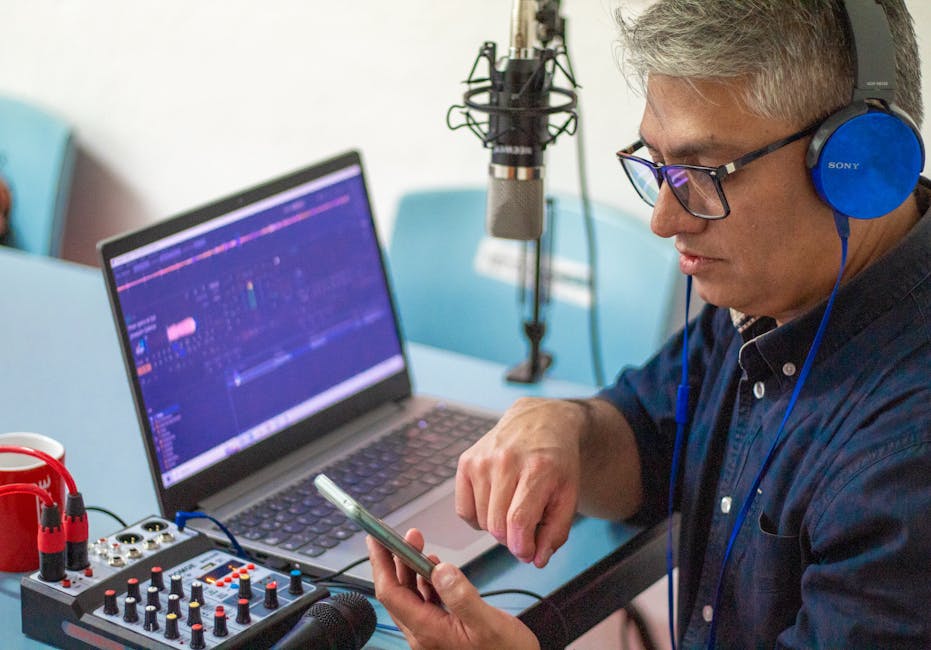
When you step into voice recording, you will quickly realize there is no shortage of tools. The key is matching the right tool to your specific task. We can break these tools down into three primary categories: browser-based tools, native apps (mobile and desktop), and business VoIP phone systems.
Browser-Based Online Voice Recording
If you need to record something right this second without downloading software, browser-based recorders are a lifesaver. These tools leverage the standard HTML5 MediaRecorder API built into modern web browsers like Google Chrome, Mozilla Firefox, Microsoft Edge, and Apple Safari.
The magic of modern browser-based tools is local client-side processing. When you use a high-quality online tool like the Voice Recorder Online Free – No Sign-Up, No Upload (2026) | DuneTools, your audio is captured locally in your browser’s cache. It is never uploaded to an external server while recording, making it a highly secure and private option.
However, web browsers have physical limitations. Because they run entirely in your device’s RAM, they are subject to memory constraints. On a modern desktop or laptop with 8 GB or more of RAM, you can comfortably record for 3 to 4 hours. On mobile browsers, however, RAM pressure is much higher, limiting continuous web recording to about 30 to 45 minutes before the browser might force-close the tab.
For quick creative projects, video voiceovers, or fast drafts, cloud-based tools like the Cloud Audio Recorder – Record Online – VEED.IO offer an excellent middle ground. They combine browser recording with cloud-based video layouts, allowing creators to record their screen, webcam, and microphone simultaneously.
Native Mobile Apps and Desktop Software
For longer sessions, field interviews, or personal voice memos, native mobile and desktop applications offer far greater stability than a web browser. Native apps communicate directly with your device’s operating system, allowing them to run reliably in the background even when your screen is turned off.
The sheer popularity of these apps highlights how central they are to our daily lives:
- The native Apple Voice Memos app holds a stellar 4.8 out of 5 stars rating from over 1 million users, offering seamless iCloud syncing across Macs and iPhones.
- On the Android side, the official Voice Recorder – Apps on Google Play by Samsung has racked up over 1 billion downloads, featuring a dedicated “Interview Mode” that utilizes separate top and bottom microphones to isolate two speakers.
- Third-party alternatives, such as the Voice Recorder – Apps on Google Play by Smart Mobi Tools, have over 10 million downloads and a 4.7-star rating, offering features like Wi-Fi transfer, on-device AI transcription, and multiple audio format exports.
Native apps do not suffer from browser RAM limitations, making them the preferred choice for lectures, long meetings, and high-fidelity audio capture.
Business VoIP and Cloud Phone Systems
While browser tools and mobile apps are perfect for capturing individual voices, businesses require a completely different class of communication infrastructure. If you run a business in Dallas, Fort Worth, Orlando, or Tampa, you cannot rely on employees holding up mobile phones to record client agreements or support calls.
This is where business VoIP (Voice over Internet Protocol) and cloud communications come in. Modern cloud phone systems store audio files securely in the cloud, allowing businesses to maintain complete records of all client interactions.
Unlike consumer apps, enterprise call recording is automated, centralized, and highly secure. It allows administrators to enable recording at the enterprise, group, or individual extension level. To understand why modern enterprises are moving away from legacy hardware, read our deep dive on Cloud-Based Call Recording: Why It’s Essential for Modern Businesses.
Choosing the Right Voice Recording Solution

Choosing the right voice recording setup depends on your goals, budget, and technical comfort. If you are a student recording lectures, a simple mobile app is perfect. If you are a business owner managing customer service agents, you need an automated, cloud-based platform.
Essential Features for Everyday Use
When evaluating any voice recorder, look for these foundational features:
- Pause and Resume: Crucial for skipping natural pauses, checking notes, or taking a break during a long session without creating multiple files.
- Audio Editing and Trimming: The ability to crop dead air from the beginning and end of a recording directly within the app.
- Auto Silence Trimming: Advanced tools can automatically detect and strip silent gaps during playback, saving you hours of manual editing.
- Cloud Synchronization: Automatically backing up your files to services like Google Drive, Dropbox, or iCloud to ensure you never lose a recording if your device fails.
Advanced Capabilities and Developer Integrations
As voice technology evolves, tools are becoming much smarter. AI-powered on-device transcription can convert spoken words to text in real-time, providing an easily searchable written record of your audio.
For software developers looking to build these features directly into custom mobile or web applications, open-source plugins make integration seamless. For example, the @independo/capacitor-voice-recorder npm package is a highly popular cross-platform plugin. It allows hybrid mobile apps (built with Capacitor for iOS, Android, and Web) to access native recording APIs. This plugin elegantly handles system interruptions, such as pausing your app’s recording automatically when an incoming phone call is received and resuming once the call ends.
Best Practices for High-Quality Audio
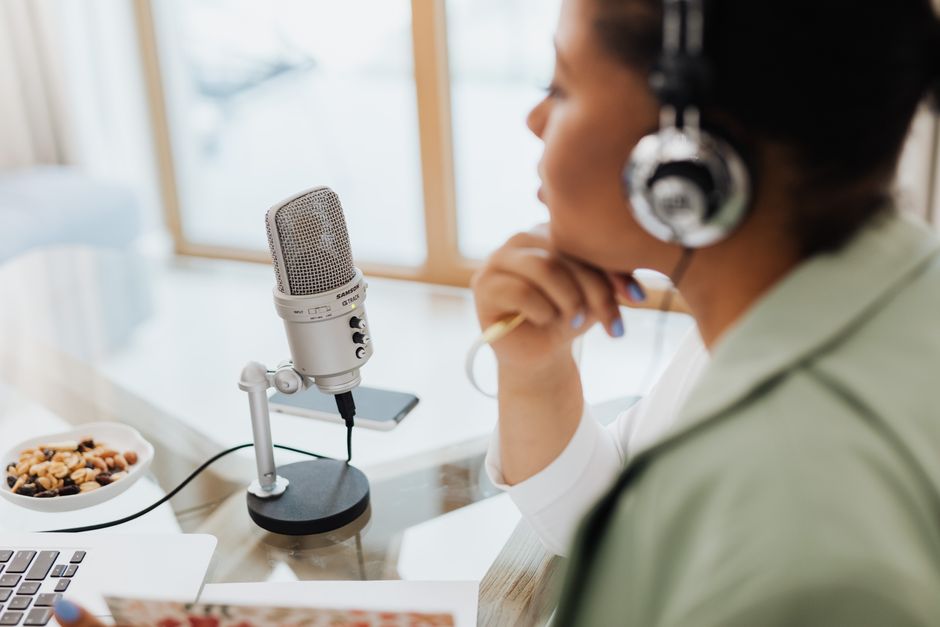
You do not need a multi-million dollar studio to capture clean, professional sound. By understanding basic acoustics and microphone techniques, you can drastically improve your recording quality using the hardware you already own.
Best Practices for High-Quality Voice Recording
- Minimize Room Echo: Sound waves bounce off hard surfaces like glass windows, hardwood floors, and bare walls, creating a hollow “echoey” sound. Always record in a small, soft-furnished room (like a carpeted bedroom with curtains or even a walk-in closet). The soft materials absorb sound waves instead of reflecting them.
- Microphone Distance: Position your mouth approximately 15 to 30 centimeters (6 to 12 inches) away from the microphone. If you are too close, your voice will sound boomy and distorted; if you are too far, the microphone will pick up more room echo than your voice.
- Speak Off-Axis: Do not speak directly into the center of the microphone capsule. Instead, angle the microphone slightly (about 5 to 15 degrees off-axis). This prevents the air from hard consonant sounds—like “P” and “B” plosives—from hitting the mic capsule directly and causing harsh “popping” noises.
- Monitor Your Audio Levels: Keep an eye on your recording app’s live level meter. If the meter spikes into the red zone, your audio is “clipping” (distorting). Lower your input gain, speak softer, or back away from the microphone.
While you can achieve great results at home, businesses looking to produce commercial-grade audio or voiceovers often partner with local professional spaces, such as Grand Bay Recording Studios: Recording Studio Tampa, to capture pristine, acoustically treated analog sound.
Choosing the Right Audio Formats and Sample Rates
When saving your voice recording, you will typically choose between two primary formats:
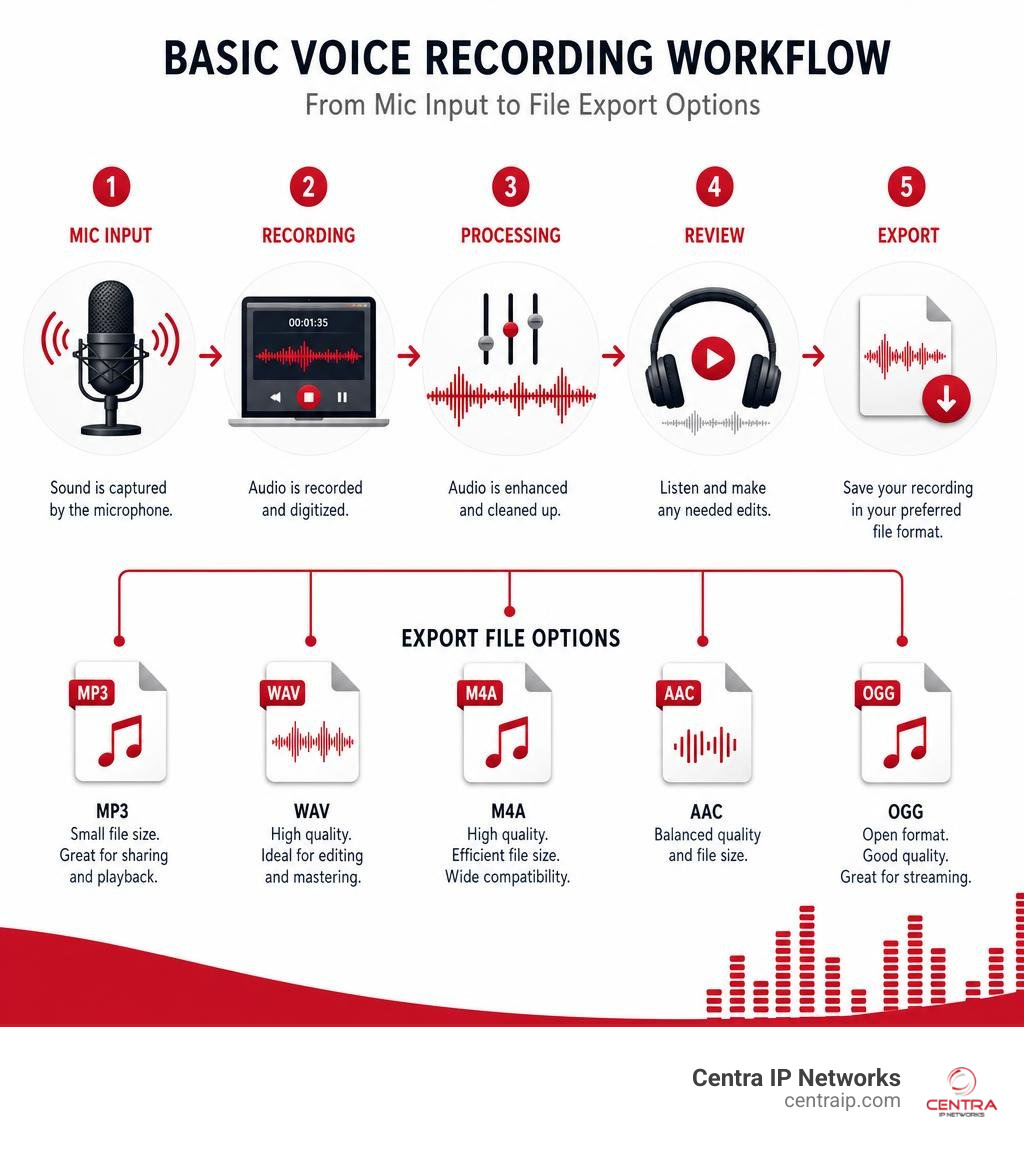
- WAV (Lossless): This format is uncompressed and captures every detail of the original sound. A standard CD-quality WAV file (44.1 kHz sample rate / 16-bit depth) consumes about 10 MB of storage space per minute of stereo audio. Use WAV if you plan to edit, mix, or archive the audio professionally.
- MP3 (Compressed): This format compresses the audio to save space. At a standard bitrate of 128 kbps, an MP3 file uses only about 1 MB of storage per minute, making it perfect for sharing, emailing, or uploading to the web. At higher bitrates (192 to 320 kbps), compressed MP3 audio is virtually indistinguishable from WAV for voice-only content.
For pure voice recording, you can safely lower your sample rate to 22 kHz to cut your file sizes in half without any noticeable loss in vocal clarity.
Legal Compliance and Business Use Cases
Recording conversations is a powerful business tool, but it comes with strict legal responsibilities. Whether you are recording customer service calls or conducting business interviews, you must stay compliant with local and federal laws.
Consent Laws and Regulatory Compliance
In the United States, telephone and in-person recording laws are governed by consent. These laws fall into two main categories:
- One-Party Consent: Only one person involved in the conversation needs to consent to the recording.
- Two-Party (All-Party) Consent: Every single participant in the conversation must consent to being recorded.
Because Centra IP Networks serves businesses across Texas and Florida, navigating these differences is critical:
- Texas (Dallas, Fort Worth): Texas is a one-party consent state. As long as one participant agrees, the call can be recorded.
- Florida (Orlando, Tampa, St. Petersburg, Clearwater, Sarasota): Florida is a strict all-party consent state. Recording a call without notifying and obtaining consent from every participant is a wiretapping violation.
To ensure your business remains fully compliant across state lines, we highly recommend implementing automated disclosure announcements (e.g., “This call may be monitored or recorded for quality assurance purposes”) at the start of every call. For a comprehensive breakdown of these rules, read The Complete Guide to Contact Center Recording and Compliance and explore our legal insights in The Ultimate Guide to Call Recording Without Announcement.
Quality Assurance and Employee Training
When implemented correctly, business call recording is one of the most effective tools for operational growth. It allows managers to:
- Resolve Disputes: Having a factual, time-stamped audio record of verbal commitments protects your business from costly legal disputes and clarifies misunderstandings instantly.
- Train New Hires: You can build a training library featuring your team’s best and worst calls. Hearing real-world examples of how to handle difficult situations or close a sale is far more valuable than reading a training manual.
- Monitor Employee Performance: Regularly auditing recorded calls ensures your customer support and sales teams are maintaining a consistent, professional brand voice.
To learn how to select and deploy the right infrastructure for your team, check out our recommendations on The Best Call Recording Software for Call Center Success.
Frequently Asked Questions
How do online voice recorders differ from mobile apps?
Online voice recorders run inside your web browser and require no installation, making them highly convenient and private since they process files locally in your browser’s RAM cache. However, they are subject to strict browser memory limits (typically 30 to 45 minutes on mobile devices) and cannot record in the background if you close the tab. Native mobile apps run directly on your operating system, can record indefinitely, operate reliably in the background, and offer advanced features like offline AI transcription and direct cloud syncing.
Is my recorded audio secure and private?
It depends entirely on the tool you use. Serverless online recorders process your audio entirely within your local browser cache, meaning your files are never uploaded to the internet. Native consumer apps vary; while some store files strictly on your device, free apps may monetize by sharing data or serving intrusive ads. For complete security, business-grade VoIP systems utilize enterprise-grade encryption both in transit and at rest in secure cloud environments, meeting strict compliance standards.
How can I record phone calls on a budget?
You do not need expensive hardware to record phone calls. Many modern VoIP systems offer built-in call recording features as part of their standard communication packages. For small businesses or individuals looking to capture calls affordably, utilizing built-in software tools or cost-effective cloud integrations is the best path forward. For a practical, step-by-step financial guide, read our article on How to Record Phone Calls on a Budget.
Conclusion
Mastering voice recording is one of the simplest ways to boost your personal productivity, preserve memories, or scale your business operations. From a quick, zero-install browser memo to high-fidelity studio tracks, the tools available today make capturing sound incredibly accessible.
For businesses looking to leverage voice technology, the key is integration. Managing separate internet providers, phone systems, and IT services creates unnecessary administrative headaches and unpredictable bills.
At Centra IP Networks, we simplify your business communications. We deliver robust Managed IT and Cloud Communications services—including enterprise-grade cloud phone systems with built-in, compliant call recording—all on a single platform, with one provider, and on one clear bill. By leveraging our 35+ industry partnerships, we design tailored, cost-effective communication solutions for businesses throughout Dallas, Fort Worth, Orlando, Tampa, St. Petersburg, Clearwater, and Sarasota.
Ready to upgrade your business communication and secure your operations? Explore our professional Voice Recordings services today and let us help you build a seamless, unified communication platform.