Why Getting a Google Voice Number Is Smarter Than Giving Out Your Real One
If you’ve been wondering how to get a number on Google Voice, here’s the short answer:
- Go to voice.google.com
- Sign in with your Google account (or create one for free)
- Search for an available number by city or area code
- Select the number you want
- Verify your existing phone number with a code sent via text
That’s it. You’ll have a working phone number for calls, texts, and voicemail in minutes — at no cost for domestic use.
Every day, people hand out their real phone numbers to clients, vendors, online forms, and strangers — and then wonder why they’re drowning in spam calls. There’s a smarter way.
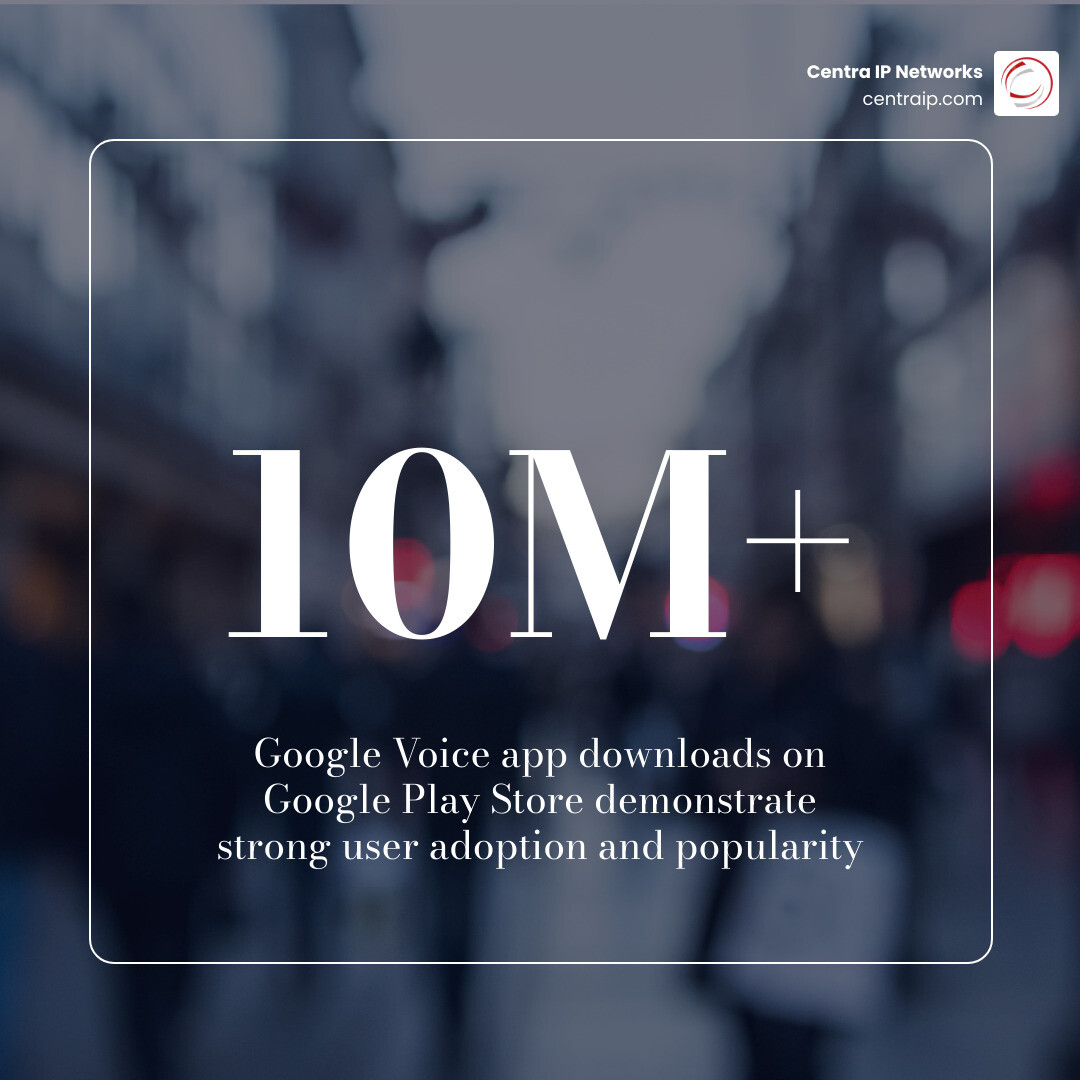
Google Voice gives you a second phone number that works on any device, routes calls to your real phone, and keeps your personal number private. With over 10 million downloads on the Google Play Store, it’s one of the most widely used virtual phone tools available — and for good reason.
Whether you’re a small business owner trying to stay reachable without sacrificing privacy, or you just want to stop giving your real digits to every contact form on the internet, Google Voice is worth understanding.
I’m Patrick Brangan, and with over 20 years of experience helping SMBs navigate unified communications solutions, I’ve guided countless businesses through tools like Google Voice to simplify how to get a number on Google Voice and put it to work professionally. Let’s walk through exactly how it works.
What is Google Voice and Why Do You Need It?
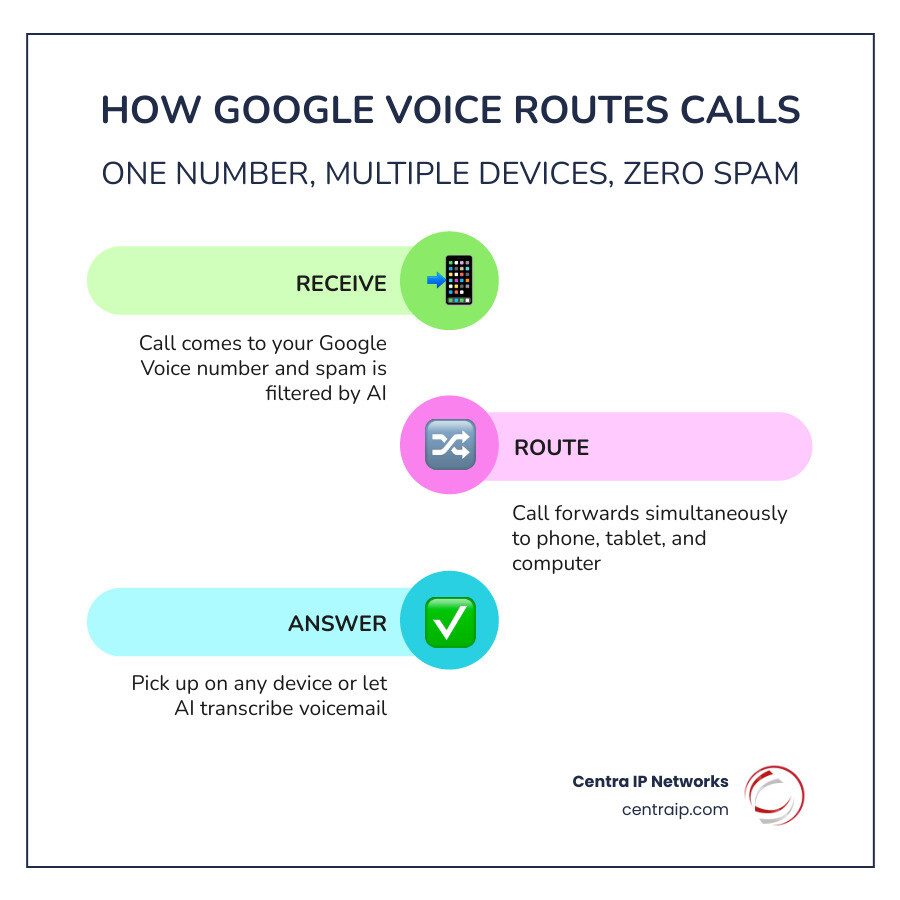
At its core, Google Voice is a cloud-based telephony service. Think of it as a “ghost” number that lives on the internet rather than on a physical SIM card. It provides you with a single phone number that can ring your office phone, your smartphone, and your computer all at once. This is a fundamental concept in Virtual Phone Number 101: separating your identity from your hardware.
Why is this useful? Because it offers a layer of unified communications that traditional cell service can’t match. When someone calls your Google Voice number, the service uses Google’s AI-powered infrastructure to filter out spam before your phone even vibrates. If you miss the call, Google Voice doesn’t just record a message; it provides high-quality voicemail transcriptions that you can read in your inbox or the app, saving you from listening to long-winded messages.
Perhaps the biggest draw is maintaining privacy while using a mobile number. By using a Google Voice number for public-facing interactions—like Craigslist ads, networking events, or business cards—you keep your personal “real” digits tucked away safely. It acts as a professional shield, allowing you to manage your work-life balance by setting “Do Not Disturb” hours so your phone doesn’t ring during dinner.
Step-by-Step Guide: How to Get Number on Google Voice
Getting started is surprisingly straightforward. As of May 2026, the process remains one of the most user-friendly ways to secure a secondary line.
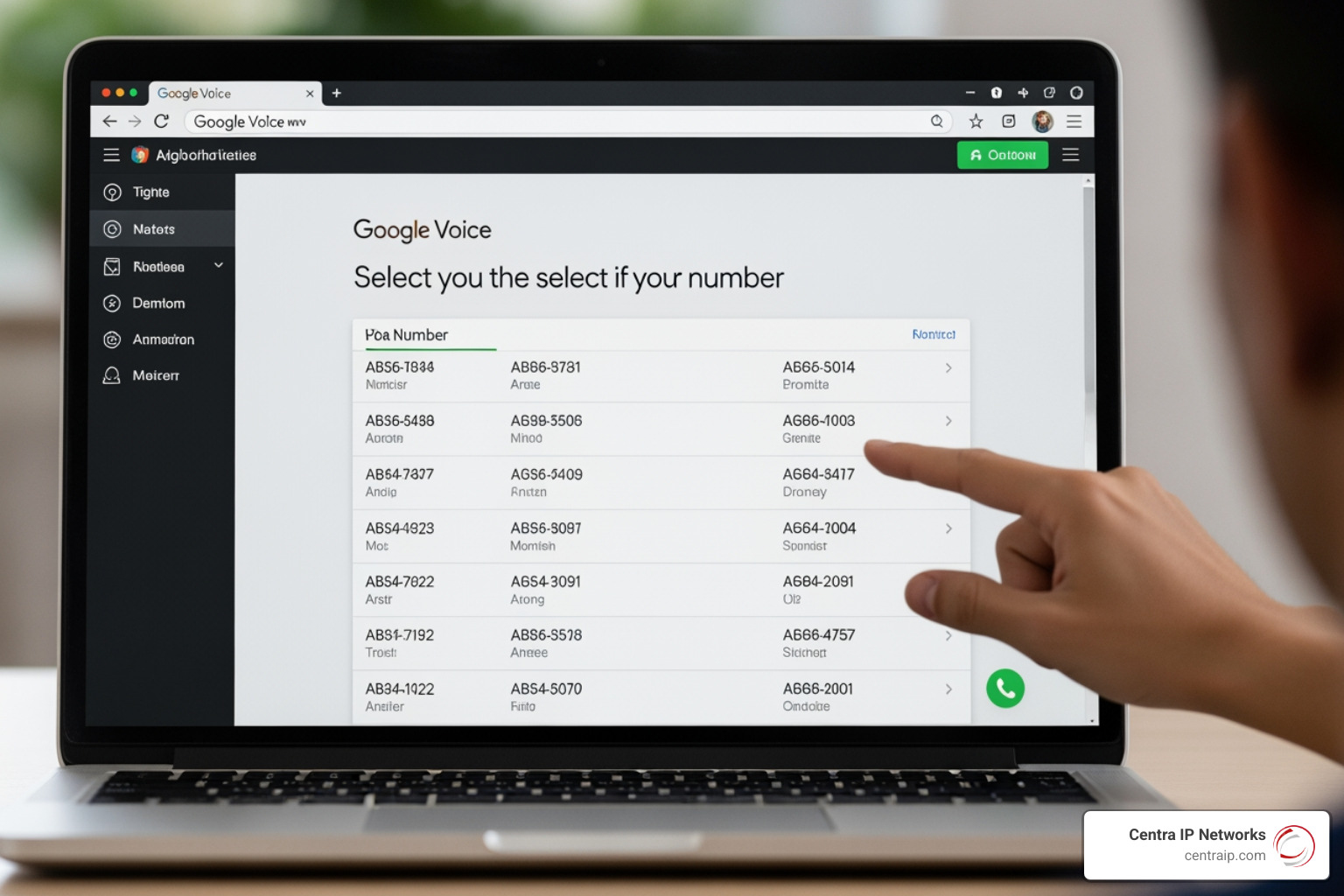
To begin, you’ll need to follow the official how to register for a Google Voice number – Google Voice How-To steps. First, head to the Google Voice website. If you don’t have a Google account, you’ll be prompted to create one. Once logged in, you’ll be asked to choose your number.
The beauty of this system is the flexibility in the area code search. You can search by city or area code to find a number that fits your needs. For example, if we are helping a client in Dallas or Orlando, we might suggest they pick a local area code to build trust with their local customer base. This is a key part of how to get a virtual phone number—choosing a number that represents where you want to be, not necessarily where you are sitting.
Requirements for how to get number on google voice
Before you jump in, there are a few “must-haves.” To successfully learn how to get a number on Google Voice, you need to meet the following criteria:
- A Personal Google Account: While business versions exist via Google Workspace, the free version requires a standard @gmail.com account.
- US-Based IP and Location: For personal accounts, Google Voice is currently only available to users located within the United States.
- Supported Hardware: You can set up Google Voice – Computer – Google Voice Help using Chrome OS, macOS, or Windows.
- Supported Browsers: Ensure you are using an updated version of Google Chrome, Mozilla Firefox, Microsoft Edge, or Safari.
Verifying your identity for how to get number on google voice
Google doesn’t just hand out numbers to anyone; they want to ensure you are a real person and not a bot. This is where the verification process comes in. You are required to link an existing, valid U.S. phone number (mobile or landline) to your account.
When you enter your existing number, Google will send a six-digit verification code. If you’re using a mobile phone, this comes via SMS. If you’re using a landline, you can opt for a call-back where a voice will read the code to you. This is a standard security measure, much like what you’d encounter when everything you need to know about buying phone numbers online. Once verified, your existing number is linked, meaning calls to your Google Voice number will be forwarded there. You can link up to six different numbers to a single Google Voice account, allowing for incredible flexibility in how you receive calls.
Managing Calls and Advanced Features
Once you’ve secured your number, the fun begins. The dashboard is your command center for managing your digital presence.
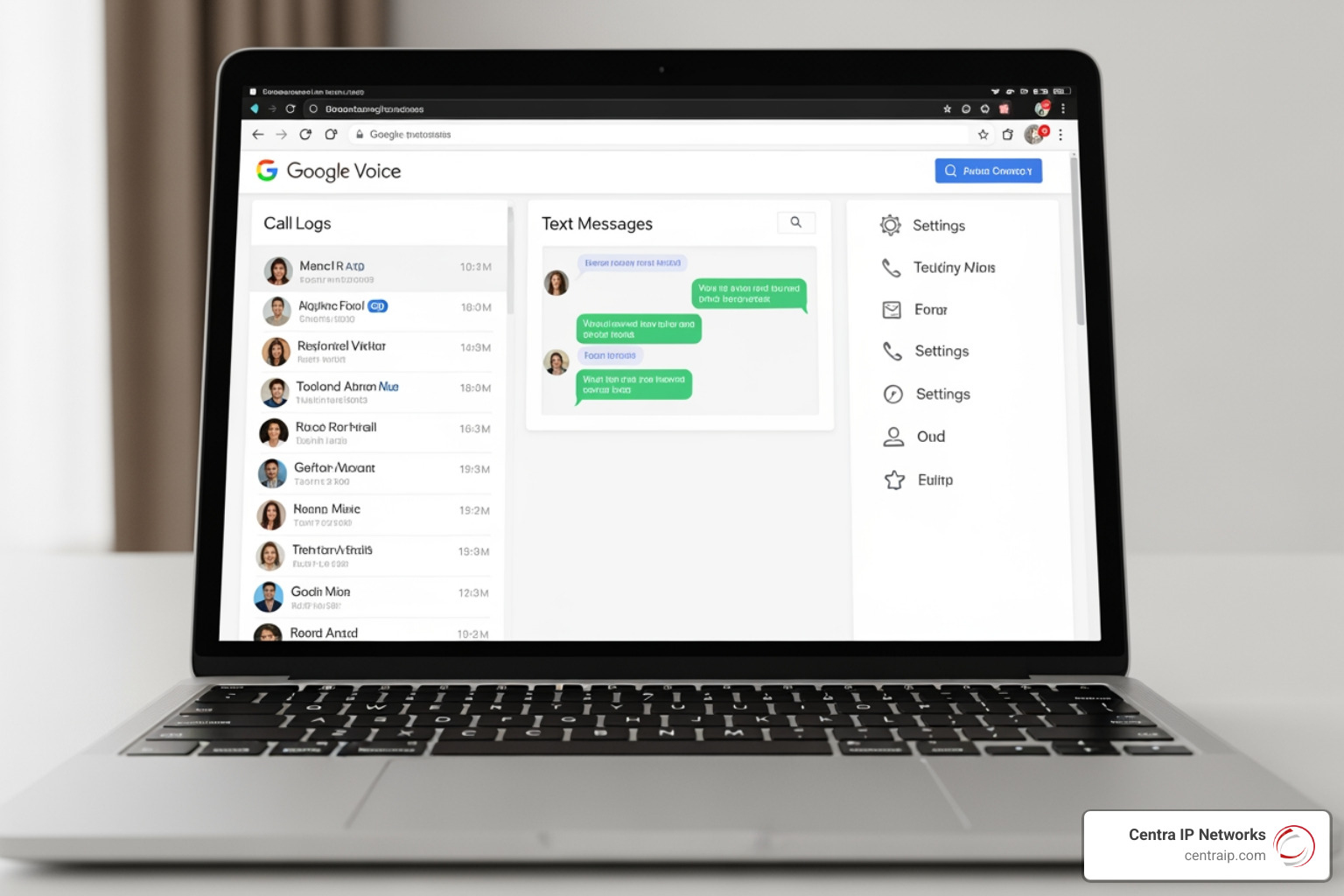
One of the most powerful features is call forwarding. You can decide exactly which of your linked devices should ring at any given time. This is where you can truly unlock business freedom: how virtual number call forwarding works for you. If you’re in a meeting in Tampa but expect an important call on your “business” Google Voice line, you can set it to ring only your tablet or laptop, keeping your cell phone quiet.
To ensure you’re always reachable, set up your phone to make & receive Google Voice calls – Computer – Google Voice Help. Beyond basic forwarding, you can:
- Create Custom Greetings: Set different voicemail greetings for different callers or groups.
- Enable Call Screening: Have Google Voice ask the caller for their name before the call is put through to you. You’ll hear “Call from [Name],” and you can choose to take it, send it to voicemail, or listen in while they leave a message.
- Use Do Not Disturb: Automatically send all calls to voicemail based on a schedule, which is perfect for maintaining those boundaries we talked about.
Costs, Limitations, and Professional Alternatives
While Google Voice is a fantastic tool, it isn’t a “one-size-fits-all” solution. It’s important to understand the trade-offs, especially if you’re using it for more than just a hobby.
| Feature | Google Voice (Personal) | Google Workspace Voice (Business) |
|---|---|---|
| Monthly Cost | Free | $10 – $30 per user |
| Domestic Calls | Free (mostly) | Unlimited |
| International Calls | Paid (low rates) | Paid (low rates) |
| 1-800 Numbers | Not Available | Not Available |
| Support | Community Forums | 24/7 Support |
| Auto-Attendant | No | Yes (Standard/Premier) |
There are some specific limitations to keep in mind. For starters, Google Voice does not offer toll-free (1-800) numbers. If you need a professional vanity number, you might need to look elsewhere. Additionally, while most calls to the US and Canada are free, some specific locations may cost 1 cent per minute.
If you decide you don’t like your chosen digits, you can change your Google Voice number, but it requires deleting your current one first. If you want to bring your own mobile number into the service, there is a one-time $20 porting fee.
Technically, the service is heavily dependent on a stable internet connection. Because it uses VoIP technology, a weak Wi-Fi signal or poor data connection in a place like Sarasota or Clearwater could lead to dropped calls or lag. Furthermore, Google Voice does not currently support RCS (Rich Communication Services) or iMessage, meaning your texts are limited to standard SMS/MMS.
Frequently Asked Questions about Google Voice
Can I get a Google Voice number without an existing phone?
The short answer is no. To prevent abuse, Google requires a “real” US phone number for the initial verification. This number cannot be another VoIP number (like another Google Voice number or a Skype number). However, once the account is verified and set up, you can technically use the Google Voice app over Wi-Fi without needing the linked phone’s cellular service to be active.
How do I change or delete my Google Voice number?
If you’ve moved from Fort Worth to St. Petersburg and want a local area code, you can change your number in the Settings menu under the “Account” tab. You’ll have to delete your current number first. Be warned: there is often a “cooling-off” period before you can claim a new number, and you can’t change your number frequently.
Is Google Voice available outside the United States?
For personal accounts, Google Voice is strictly a US-only service. If you are an American traveling abroad, you can still use the app over Wi-Fi, but you cannot sign up for a new personal account from an international IP address. However, for businesses, Google Workspace Voice is available in select international markets like Canada, the UK, and parts of Europe. If you’re looking for international specifics, you might find the NRIs secret: how to score a virtual Indian phone number helpful for different regions.
Conclusion
Learning how to get a number on Google Voice is a great first step toward reclaiming your digital privacy and organizing your communications. It’s a powerful, free tool that bridges the gap between a personal cell phone and a professional presence.
However, as your needs grow—perhaps you need more than six linked lines, a multi-level auto-attendant, or a system that doesn’t rely on a personal Gmail account—you might find that a consumer-grade tool isn’t enough. At Centra IP Networks, we specialize in taking businesses from “basic” to “boss.” We offer comprehensive Managed IT and Cloud Communications services across Dallas, Fort Worth, and the Florida Gulf Coast (including Tampa, St. Pete, and Sarasota).
Our USP is simple: we provide your phone systems, internet connectivity, and cloud solutions all on one platform, with a single bill and a single point of contact. If you’ve outgrown your current setup and want to see how to get a business phone number that scales with your ambition, we’re here to help. Whether you’re in Clearwater or Dallas, let’s build a communication strategy that works as hard as you do.