Security cameras are no longer just mounted boxes recording grainy footage. Today, they are smart tools helping businesses monitor their properties, improve operations, and manage safety more efficiently.
Understanding the types of security cameras for business helps decision-makers choose systems that match their layout, lighting, connectivity, and risk levels. Each camera has its own strengths and limitations. This blog will cover the most used types and explain how to match them with real-world use cases.
Analog Cameras
Analog cameras remain in use across many businesses. They record in standard definition and transmit video through coaxial cables. While they lack the advanced capabilities of newer designs, they can be a practical choice for companies with existing coaxial infrastructure.
These cameras usually connect to DVR systems for local storage, though lower image quality can make it difficult to identify people or details in large or dimly lit spaces.
TVI Cameras
TVI (Transport Video Interface) cameras offer a middle ground. They improve on analog setups by sending high-definition video over existing coaxial cables.
This makes them an easy upgrade path for businesses that want clearer images without switching over to Ethernet or Wi-Fi. TVI cameras also allow for longer transmission distances than traditional analog cameras.
Bullet Cameras
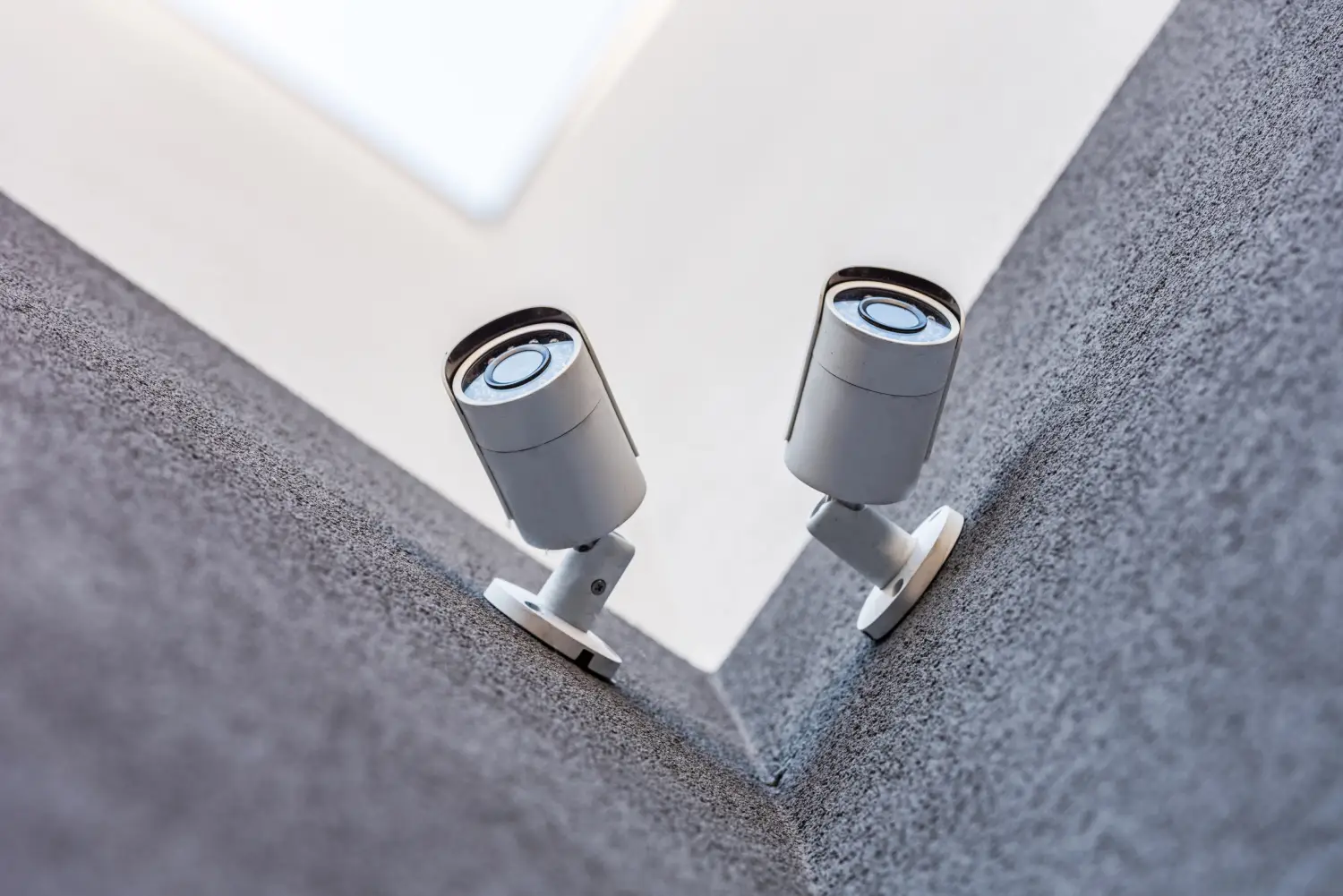
These are the long, tube-like cameras commonly seen outside commercial buildings. Bullet cameras are typically used where a fixed direction is enough.
Their shape allows easy wall or ceiling mounting. Bullet designs also deter tampering, as their direction is obvious. Many bullet cameras are weather-resistant and built for outdoor monitoring.
Dome Cameras
Dome cameras are enclosed in clear or tinted domes. Their appearance makes it hard to see where the lens is pointing, which helps deter unwanted behavior. These cameras are commonly placed in entrances, lobbies, and public areas.
Dome housings protect against tampering, and many models are rated for vandal resistance. However, dome cameras often have a fixed field of view and require physical adjustments for repositioning.
Turret Cameras
Turret cameras look like dome types but do not have the protective outer dome. They use a ball-and-socket design that makes installation and aiming easier. They are suitable for both indoor and outdoor use and generally bring better night vision than domes, as the IR lights do not reflect off a dome casing.
This type works well for businesses needing flexible camera angles without spending time on frequent adjustments.
PTZ Cameras
Pan-Tilt-Zoom cameras come with remote control of direction and zoom level. They allow users to move the lens across a large area or zoom in on specific zones. PTZ cameras are often used in parking lots, warehouses, or event spaces.
They cover wider ground but only record what the lens faces. They are more expensive and may require trained users for effective operation.
360-Degree (Fisheye) Cameras
Fisheye cameras give a full 360-degree horizontal and 180-degree vertical view. One camera can watch an entire room, which reduces blind spots. These are often placed in open retail areas, showrooms, or large offices.
The broad coverage makes them ideal for centralized viewing, but the curved lens may distort edges. High resolution is important with fisheye models, as zooming in on a single section can lower clarity.
Wireless and IP Cameras
IP (Internet Protocol) cameras send digital video over Wi-Fi or Ethernet. Wireless versions are easier to install in locations without easy cabling access. They still need power, either from an outlet or a battery. IP cameras support higher resolutions like HD or 4K.
They are compatible with cloud storage and modern software tools. Businesses wanting remote access and future upgrades typically choose IP systems over analog.
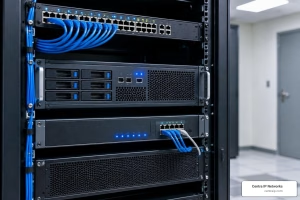
Ethernet-connected IP cameras can use Power over Ethernet (PoE), which sends power and video through one cable. This makes installation simpler and reduces failure points. PoE also works well in commercial buildings with server closets or networking equipment in place.
You can read more about modern video surveillance systems that support IP cameras and cloud tools.
Battery-Powered Cameras
While not the top choice for 24/7 monitoring, battery-powered security cameras still have their place. They are often used in temporary setups or in areas without power access.
Businesses sometimes use them in construction zones, trailers, or remote equipment sites. These cameras need regular charging or battery changes, which can become a burden for long-term use.
Plug-in Cameras with Cloud Storage
Many businesses now prefer cameras that combine wired power and cloud video backup. Cloud storage gives access to recorded footage from anywhere, while wired power means no battery interruptions.
These systems usually come with mobile apps, alerts, and smart features like motion detection. However, they require consistent internet bandwidth and may involve monthly cloud storage fees.
Comparing Key Features That Matter
Resolution and Clarity
Higher resolutions like HD and 4K offer better detail. This helps identify faces, license plates, and objects clearly. SD cameras may miss these details, especially in larger areas.
Field of View
A wider field of view captures more space. But ultra-wide cameras can lose detail in zoomed sections. Businesses should balance FOV, and resolution based on coverage needs.
Frame Rate
Frame rate affects how smooth video playback appears. Low frame rates make it harder to track motion. Most business setups record at 10 to 15 frames per second to balance clarity and storage needs.
Bandwidth
Streaming HD or 4K footage consumes more bandwidth. For cloud-connected systems, this may require upgraded internet service or QoS adjustments on the network.
Storage Options
Some businesses still use DVR or NVR systems for local recording. Others combine local and cloud storage. Cloud access allows offsite viewing, which is helpful in emergencies or when staff are remote.
Audio Recording
Not all security cameras record audio. Those that do can capture conversations or ambient sounds. This is helpful in customer service areas, entryways, or high-risk zones. Be mindful of local laws before using audio-enabled cameras.
Indoor vs. Outdoor Models
Indoor cameras may not survive rain, heat, or dust. Always choose weather-rated models for outdoor use. Cameras in commercial kitchens, freezers, or dusty warehouses also need specific housings.
Lighting and Night Vision
Many cameras offer infrared (IR) capabilities for night monitoring. The more IR LEDs a camera has, the better its low-light performance. Choose based on the lighting conditions of your site.
What To Think About Before Choosing a System
Wired vs. Wireless
Wireless cameras simplify installation but may face interference or dead zones. Wired systems are more stable and suited for high-traffic or high-security locations.
Camera Placement
Each business layout demands different coverage. Warehouses, for instance, may need wide-angle PTZs near loading docks, while retail stores may prefer fixed dome cameras above cash registers.
Installation
Professional setup makes a difference. Mounting, cabling, angle alignment, and network configuration all affect the results. Work with a local managed service provider that understands both your infrastructure and your industry.
Hybrid Systems
Some businesses run mixed environments. For example, they may keep legacy analog cameras while adding new IP units in critical zones. This hybrid approach allows gradual upgrades while managing costs.
Retention Period
Decide how long to keep recorded footage. Some businesses store 30 days, others keep 60 or 90. Longer retention requires more storage space or higher cloud subscriptions.
Ready to Cover Every Angle with a Custom System?
Centra IP Networks makes surveillance simple for businesses of all sizes. We offer custom camera systems that fit your layout, lighting, and bandwidth needs. Our remote monitoring tools and proficient support help your business stay safe without the hassle of juggling different vendors.
Talk to us to see how our video solutions can give you full coverage.